Posted on — Leave a comment

Latest Photoshop Update Breaks hundreds of plugins including GrutBrushes.

Updated (Dec 2 10:37am EST)

Update 3: Fixed! The latest version (1.0.2) of the GrutBrushes plugin was completed less than 24 hours after the problem was discovered. and You can download it from your account. You may have to uninstall the previous version first if you get an error installing this one over the previous one.

Update December 2:  Discovered the cause —Adobe disabled node.js, in the latest (November 30th) release of Photoshop CC breaking hundreds of my favourite plugins (including mine) My developer is working on fix for the GrutBrushes plugin now.

If you haven’t updated Photoshop in the last week, the GrutBrushes digital artists Photoshop plugin will still work and you can still get it for free here. When a new version is available it will be downloadable from your account page

Update 7:40 pm: A change to the latest version of Photoshop breaks a ton of my favourite plugins and this unfortunately includes the GrutBrushes plugin. The developer is hard at work on a fix as I write this but I have no idea when it will be ready.

Stay tuned to the blog for updates grutbrushes.com/blog/

Original Post:

I just updated Photoshop CC 2015 to the latest update: Adobe Photoshop Version: 2015.1 20151114.r.301 and many plugins, including the GrutBrushes plugin no longer work. Uninstalling and re-installing didn’t help. I am checking with the plugin developer and will update you when I find out if this is a temporary issue or a bigger problem, but for now be aware that if you upgrade to the latest version you will no longer be able to use the plugin, but you will still be able to add and access all the brushes as always via the Tool Presets panel.

Facebooktwitterredditpinterestlinkedinmail
Posted on — Leave a comment

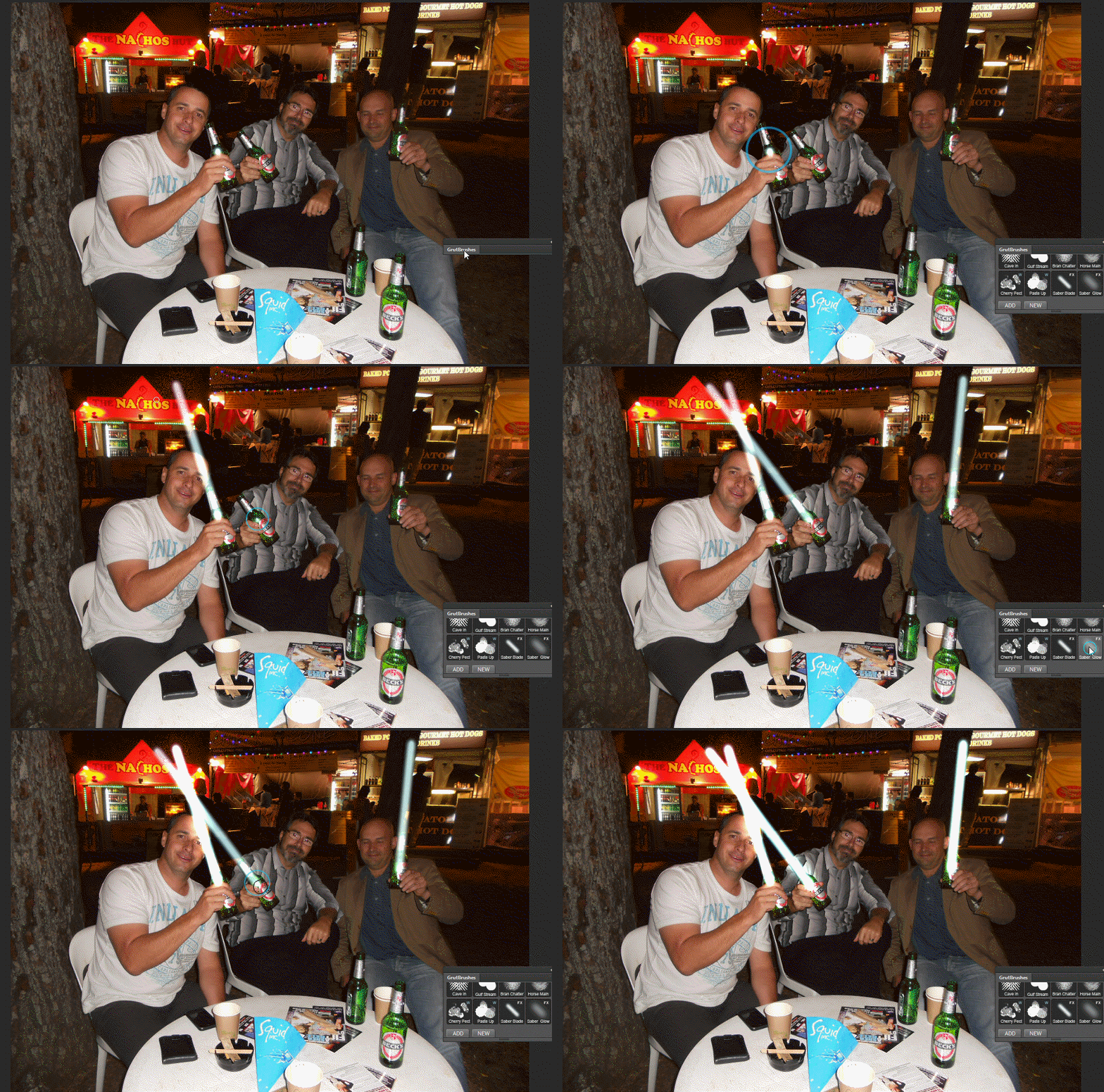
Photoshop Lightsabers go Viral – Cheers to all who showed up!


how to add star wars lightsabers to your photos in Photoshop
Original Photo courtesy Michael Coghlan

Well that was crazy day. I posted the announcement about the free Photoshop brushes to add LightSabers to your photos on a sleepy Sunday evening, and within less than a day, 4,500 people visited the site with over 1,200 of them downloading the free brushes (They are still there for the taking) This was the first major test of the server which held up under the weight of mini floods of traffic. The vast majority of people came from Imgur.com where it was seen by an astonishing half a million people within about 13 hours.

In contrast, I also posted it on Behance hoping to capture the attention of some designers but after one full day it got just one single lonely little view, and for all I know, that was me.

Join in the fun and download them here: https://www.grutbrushes.com/drinksaber

Facebooktwitterredditpinterestlinkedinmail
Posted on — Leave a comment

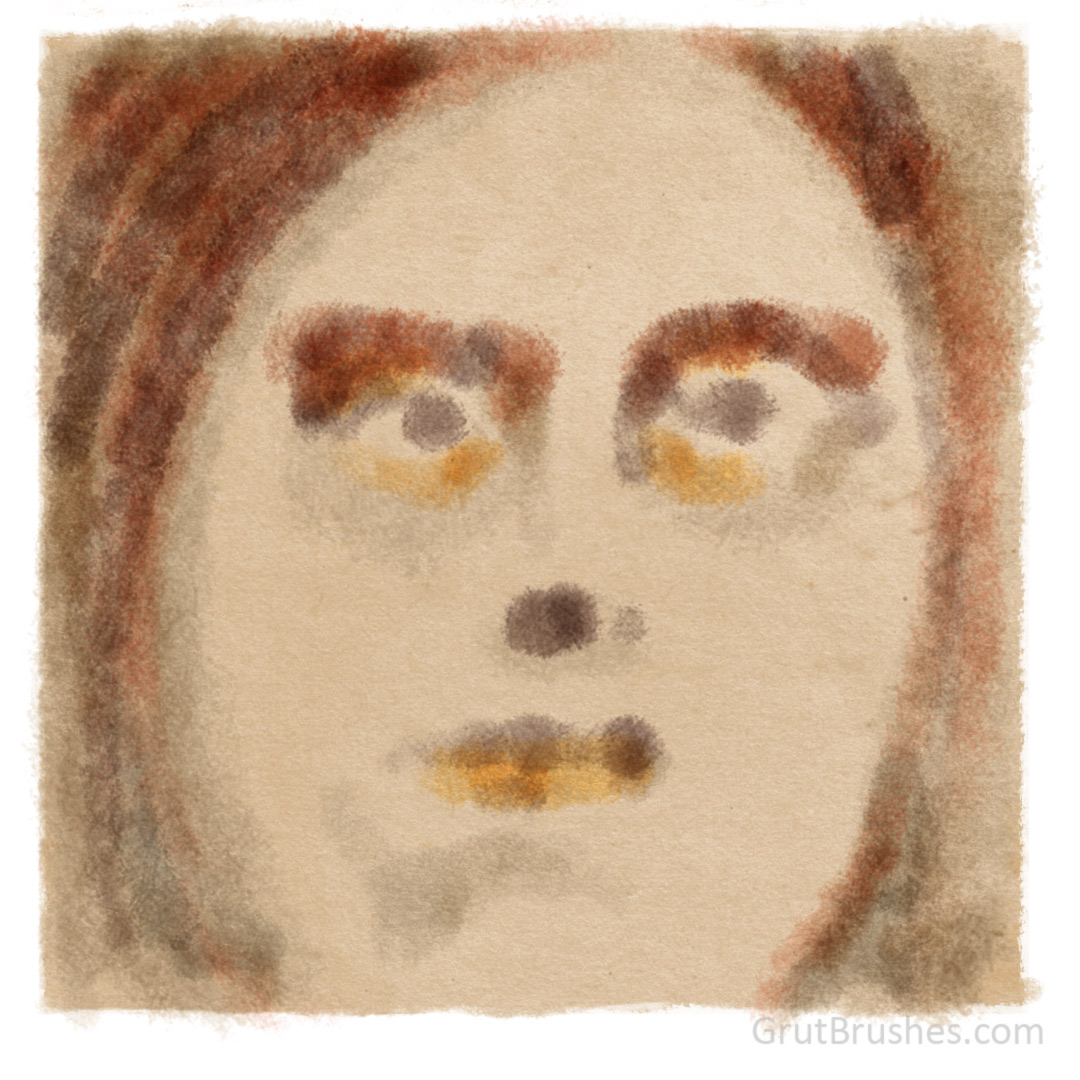
Free GrutBrush of the Week #35 – “Bran Chatter” Photoshop Watercolour Brush

painted with the 'Bran Chatter' watercolour Photoshop brush

This week’s free Photoshop brush is a very fibrous textured watercolour brush called Bran Chatter. You can download it in the shop ( grutbrushes.com/shop ) or on the free Photoshop brush page ( grutbrushes.com/freebrush )  If you want to download the paper texture (PSD file) just click the download button below

You can download this week’s free Photoshop brush until next Monday when, as always, there will be a new brush.

You can watch a video of me painting this here


Facebooktwitterredditpinterestlinkedinmail
Posted on — Leave a comment

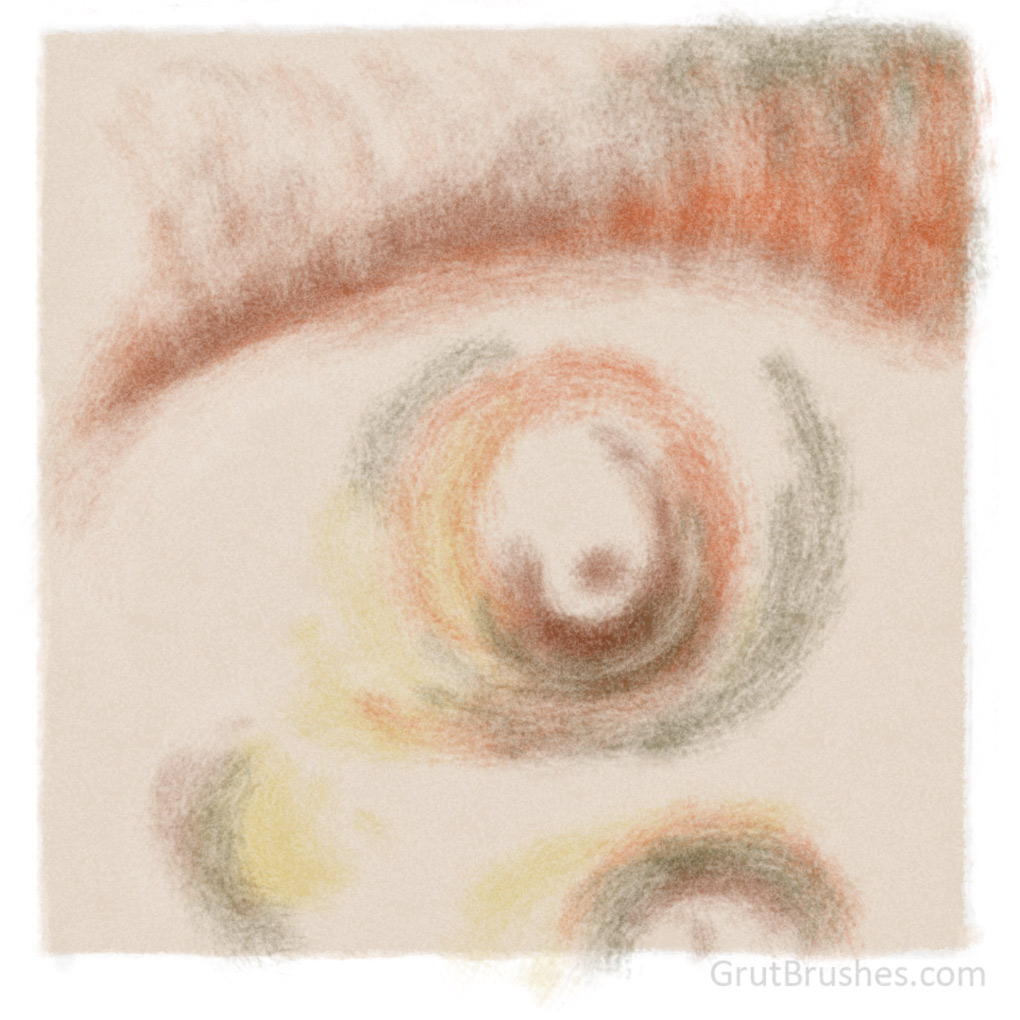
“Kays Way” a Soft Chalky Photoshop Pastel brush

Drawn with the Kays Way Photoshop brush

This was sketched with ‘Kays Way’ the newest arrival in the brush shop today. It’s a fibrous natural media brush that is wiry and scratchy at the lowest pressure but gets soft and wooly at the highest stylus pressure. This highly textured pastel brush has low coverage making it a good impressionistic shader.
grutbrushes.com/shop/

Facebooktwitterredditpinterestlinkedinmail
Posted on — Leave a comment

Brush Stroke Scratch Pad Nov ’15 – New Photoshop Brushes in the Workshop

Here’s the scratch pad from yesterday’s brush experiments in the workshop. These are scrawlings from a number of different unpublished Photoshop brushes that I am working on. About half of them are oil impasto brushes, the rest are natural media or gouache brushes.  (Visit the blog post to zoom in and explore the detail of the brush strokes by holding/tapping to magnify)

Perhaps more interesting though, the background is a paper texture (a seamless tile) that is also part of an upcoming series of papers and art surfaces that I am creating. They are PSD files that include several layers and settings to enhance the effect of the paper. The idea is to affect the appearance of the digital ink or paint, simulating real world phenomena such as surface depth, absorption and media pooling and not merely a background over which colour is applied. I plan to release the first ones for free on the site, starting soon (next week?) I will make a special page in the resources where freebies such as these will be available to download. Stay tuned to the blog for updates


Facebooktwitterredditpinterestlinkedinmail
Posted on — Leave a comment

Free GrutBrush of the Week #28 – Dry Wetgoo Photoshop Ink Brush

'Dry Wetgoo' Photoshop Ink Brush digital download
‘Dry Wetgoo’ Photoshop Ink Brush

This week’s free GrutBrush is a Dry Wetgoo a sticky wet Photoshop ink brush, get it on the free Photoshop brush of the week page

Brush strokes drawn with the 'Dry Wetgoo' Photoshop Ink Brush digital download
Brush strokes drawn with the ‘Dry Wetgoo’ Photoshop Ink Brush
Facebooktwitterredditpinterestlinkedinmail
Posted on — Leave a comment

Free GrutBrush of the week #26 – ‘Bay Kessle’ Photoshop Charcoal Brush

Drawn with the Bay Kessle Photoshop charcoal brush from GrutBrushes
Drawn with the Bay Kessle Photoshop charcoal brush

I’ve given away a different brush every week now for 6 months straight! To celebrate…here’s a down to earth food old charcoal brush (hey, they can’t all be groundbreakers) As always, you can download this week’s brush at GrutBrushes.com/freebrush

Facebooktwitterredditpinterestlinkedinmail
Posted on — Leave a comment

Free GrutBrush of the Week #24 “Keen Downy” charcoal Photoshop brush

Free Photoshop charcoal brush


This week’s free Photoshop brush is a soft and fluffy charcoal brush. You can get it now on the free brush page https://www.grutbrushes.com/freebrush

Facebooktwitterredditpinterestlinkedinmail